Important Update: Touch support restored for interactive simulations
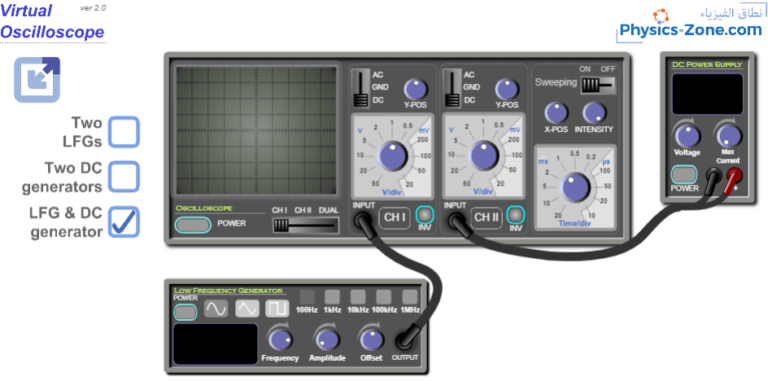
Full touch support for modern smartboards and Windows touchscreen devices has been restored to all interactive simulations on this website.
The issue was revealed when some users recently reported that draggable elements in the simulations were not responding to touch input on newer interactive whiteboards (including Promethean boards) and Windows touch-enabled devices. This significantly impacted the classroom experience for teachers and students using these technologies.
After extensive testing and development, the underlying CreateJS framework has been successfully updated to support modern pointer events. The simulations now properly handle touch input across all contemporary touch-enabled devices while maintaining backward compatibility with traditional mouse input.
What This Means for You:
- All interactive simulations now work seamlessly on modern smartboards
- Full touch support on Windows touchscreen devices
- No action required on your end – the updates are already live
- Existing functionality on other devices remains unchanged
If touch interaction issues were previously experienced, the simulations can be tried again. They should now work as intended on your devices.
As always, if any issues are encountered or questions arise, please don’t hesitate to reach out.